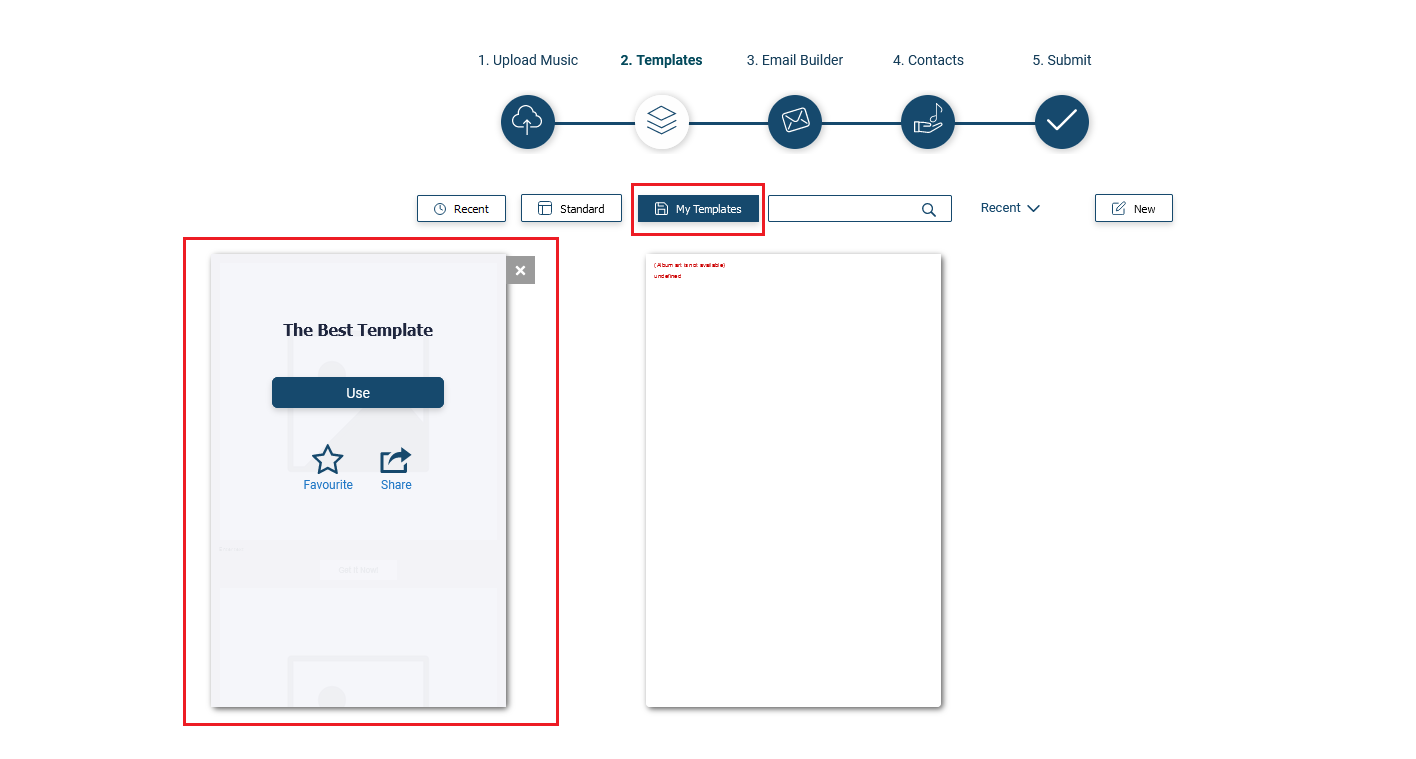
How do I share a template I've saved?
The system allows you to share the template you've created with other Caster users. To do this please follow the steps below:
1) Log into https://caster.plaympe.com
2) Edit one of the release.
3) Go to Step 2
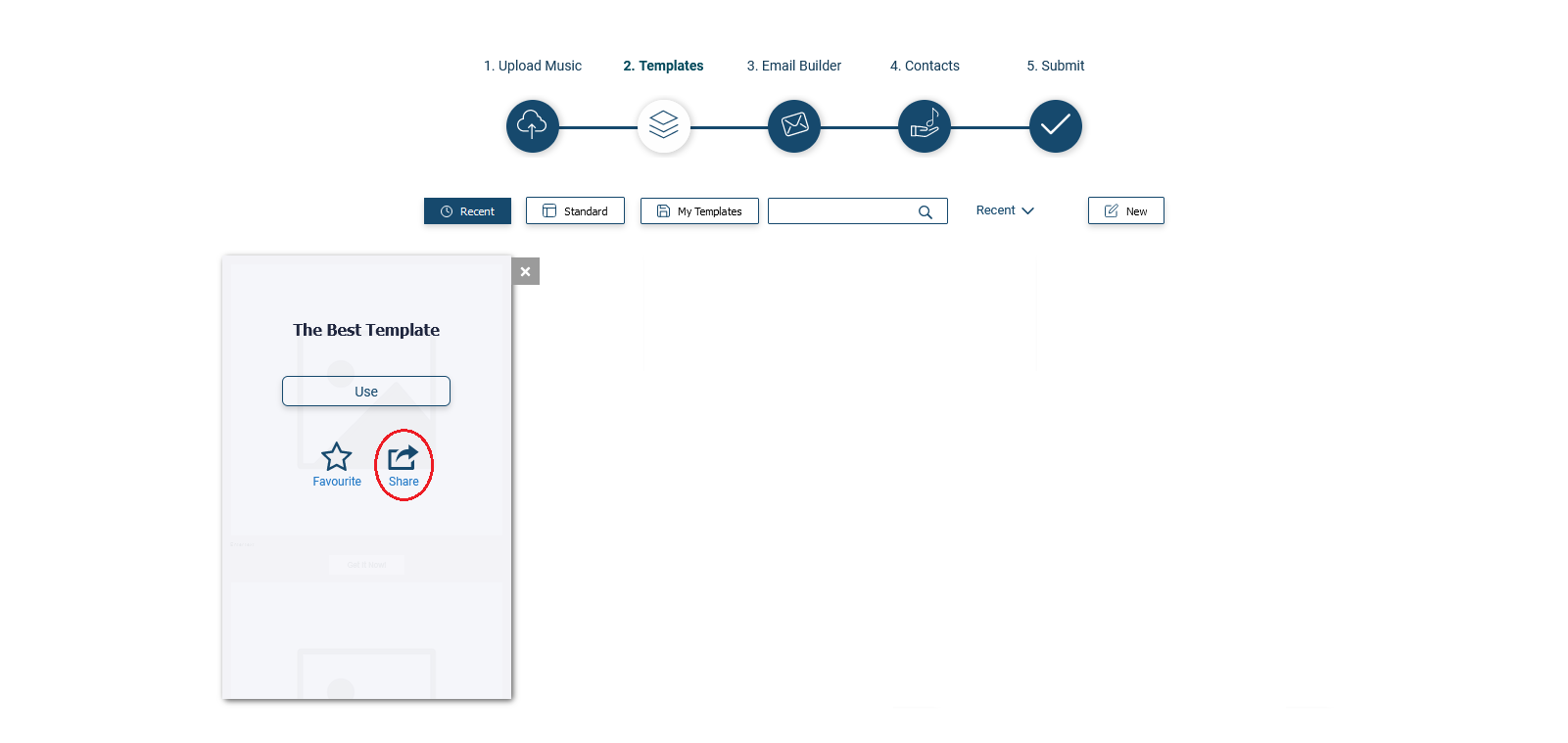
4) Hover your mouse pointer on the template and select Share
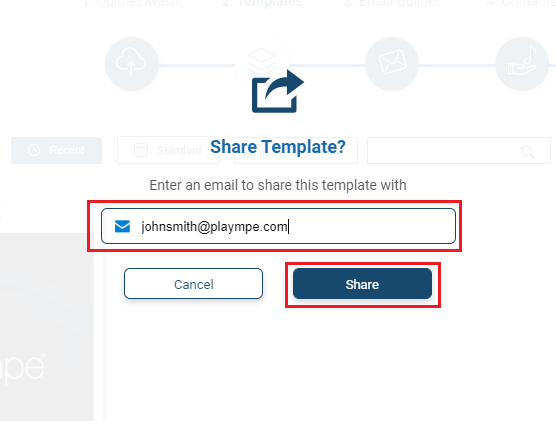
5) Enter the email address associated with the caster account of the person you want to share the template with and Click Share.
6) Wait for up to 5 minutes. The person you share the template with should now be able to see the template you've shared. All he needs to do is go to My Templates section of Step 2 and select it from there.